Staring at a blank page is the slowest part of writing. Konva's AI Writer exists to remove that first hurdle: you describe what you want, pick a template, and start editing a real draft instead of an empty document.
Step 1 — Pick a template
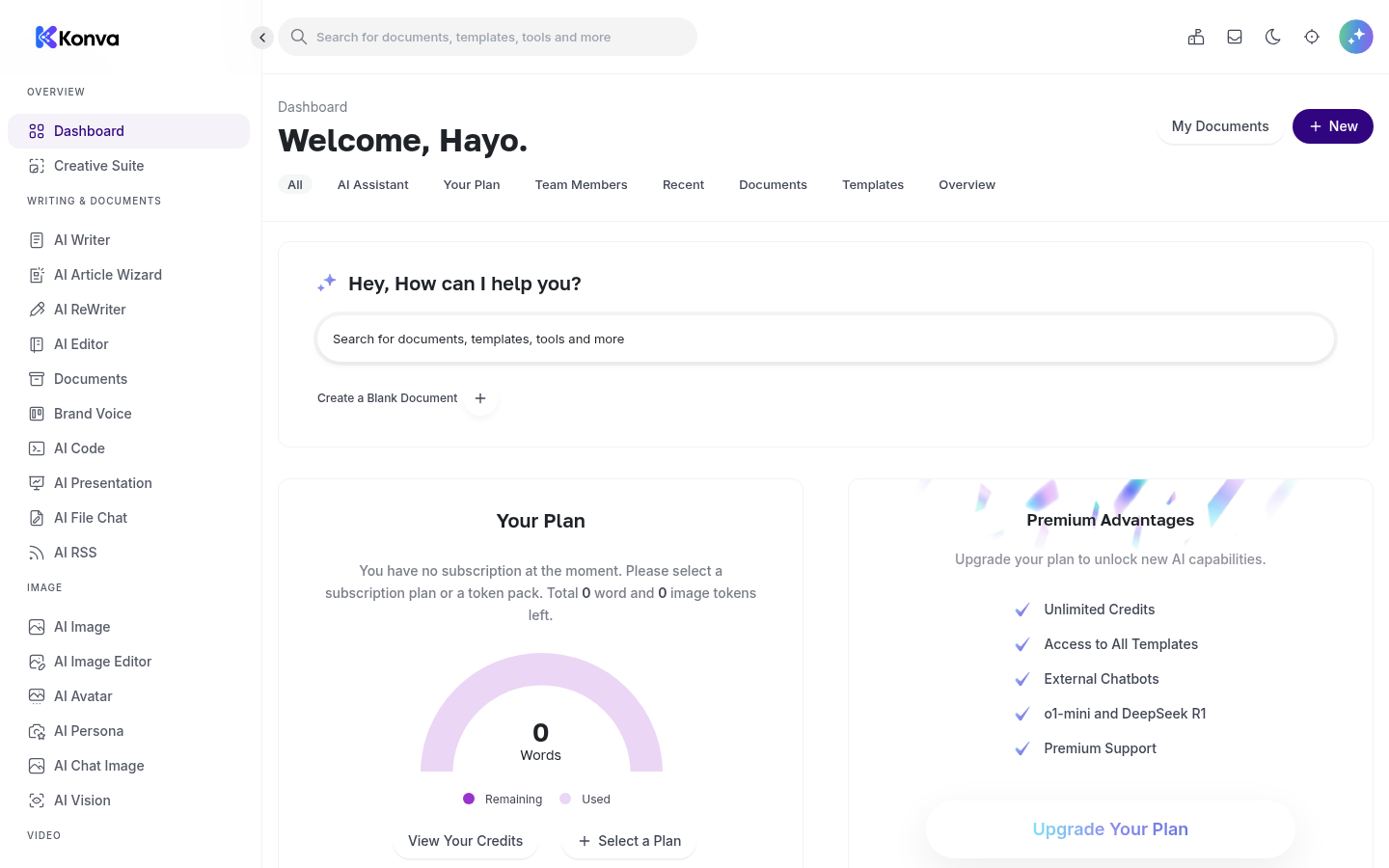
From your dashboard, open the AI Writer and browse the template library. There are more than 65 templates covering blog sections, full article outlines, product descriptions, ad copy, emails and social captions. For a blog post, the Blog Post Outline and Blog Section templates are the natural starting points.
Step 2 — Describe your topic
Each template asks for a few plain-language inputs: your topic, the audience you're writing for, and the tone you want. You don't need to know anything about prompt engineering — the template turns your inputs into a well-structured request behind the scenes.
Step 3 — Generate the outline, then expand it
Generate an outline first and rearrange the sections until the structure makes sense. Then use the section template to expand each heading into full paragraphs, one at a time. Working section-by-section keeps the writing focused and makes it easy to regenerate any part you don't like without losing the rest.
Step 4 — Edit like a human
AI output is a draft, not a final product. Read it aloud, cut what sounds generic, and add the details only you know: your experience, your examples, your opinion. The goal is to spend your time on the 20% of the work that makes the piece yours, not on the blank-page 80%.
Step 5 — Save and reuse
Everything you generate is stored in your Konva workspace, so you can come back to a draft, copy it into your CMS, or reuse a structure that worked well for the next post.
If you'd like to try this workflow, create a free account — the trial doesn't require a credit card.