Not every image needs a designer. Social banners, blog headers and concept visuals are often needed fast and in volume — and that's where an AI image generator earns its place in your toolkit.
Write descriptions, not keywords
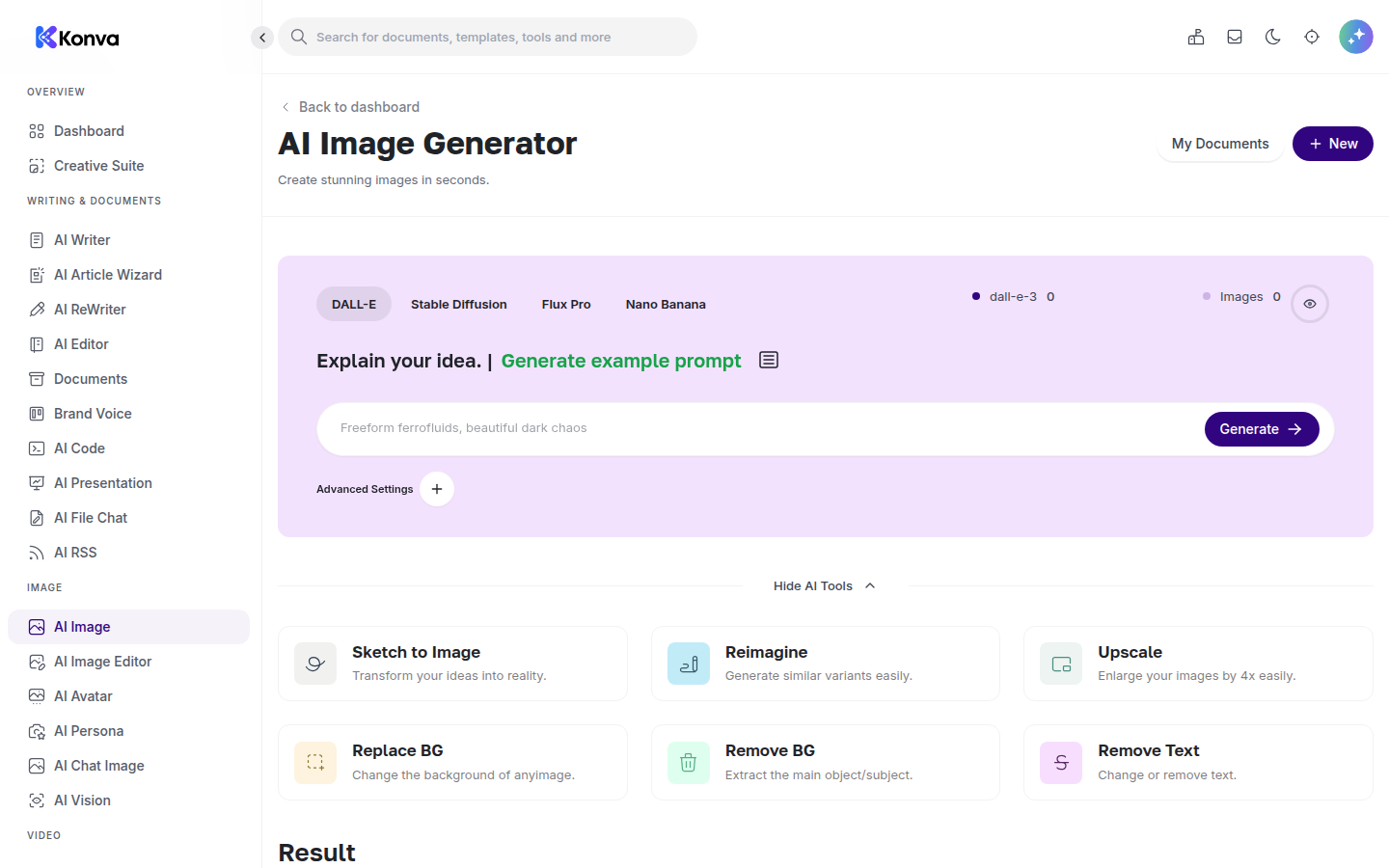
The single biggest improvement you can make is to describe the image the way you'd describe it to a person: subject, setting, style, mood and colour. "A minimalist flat illustration of a laptop on a desk, soft pastel colours, plenty of empty space for text" will beat "laptop marketing image" every time.
Iterate in small steps
Generate, look at what came back, and change one thing at a time — the style, the framing, the colour palette. Because generation takes seconds, five focused iterations usually get you something usable faster than one long, over-specified description.
Know what AI images are good for
Generated images shine for blog headers, social posts, mood boards and idea exploration. They are the wrong tool for accurate product photos or anything that must depict your real product truthfully — use real photography there.
Keep everything in one place
Images you generate in Konva are saved to your workspace alongside your written drafts, so a blog post and its header image live in the same project. When it's ready, download and publish wherever you need it.
You can try the image generator on any plan — see pricing or start a free trial.