
See Konva in action
A guided tour of the real product, with live screenshots of every tool. Generate text, images, code, chat and speech from one dashboard — or explore it yourself with a free account.
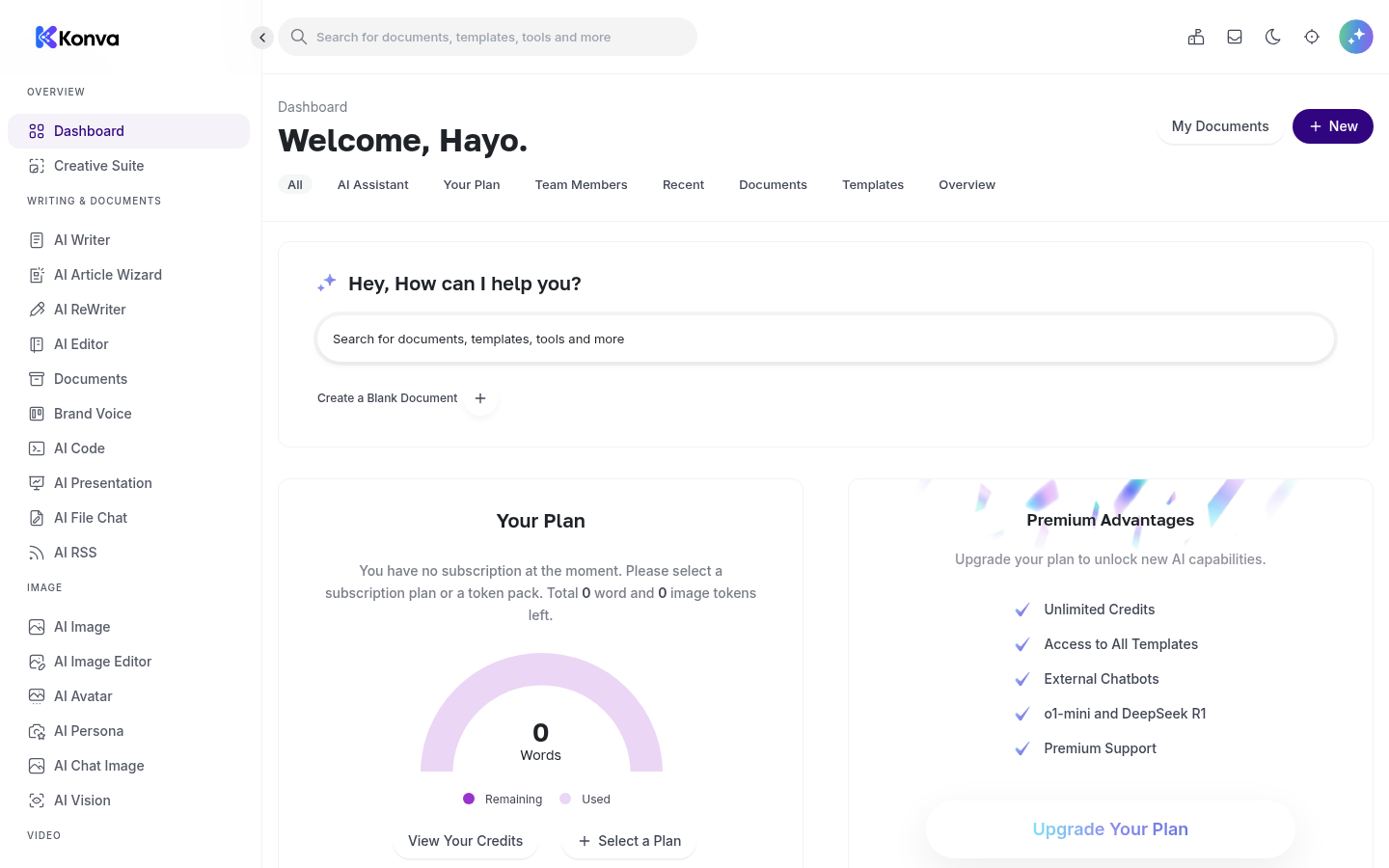
One workspace for everything
Every tool lives in a single, organised dashboard. From the home screen users open the AI Writer and its 65+ templates, ask the built-in assistant a question, create a blank document, or jump to any of the image, code, chat and audio tools in the sidebar — and track plan and usage at a glance.
- 65+ ready-made writing templates
- Built-in “ask me anything” assistant
- Documents, brand voice & usage in one place
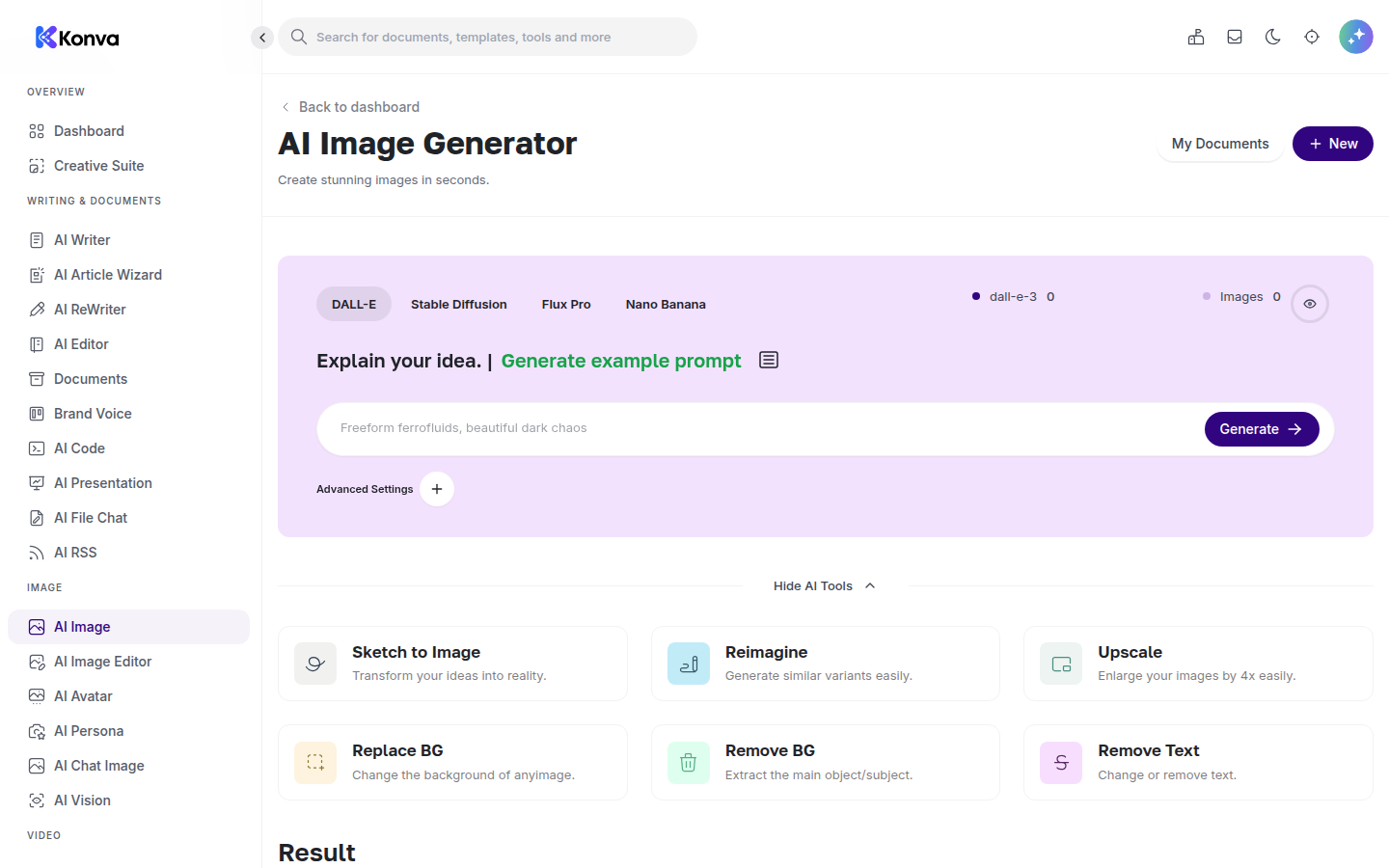
AI Image Generator
Turn a written description into original images and graphics. Users choose from leading models (DALL·E, Stable Diffusion, Flux Pro and more) and refine results with built-in tools like Sketch-to-Image, Reimagine, Upscale, Replace Background and Remove Background.
- Multiple image models in one place
- Upscale, remove & replace backgrounds
- Save outputs to your workspace
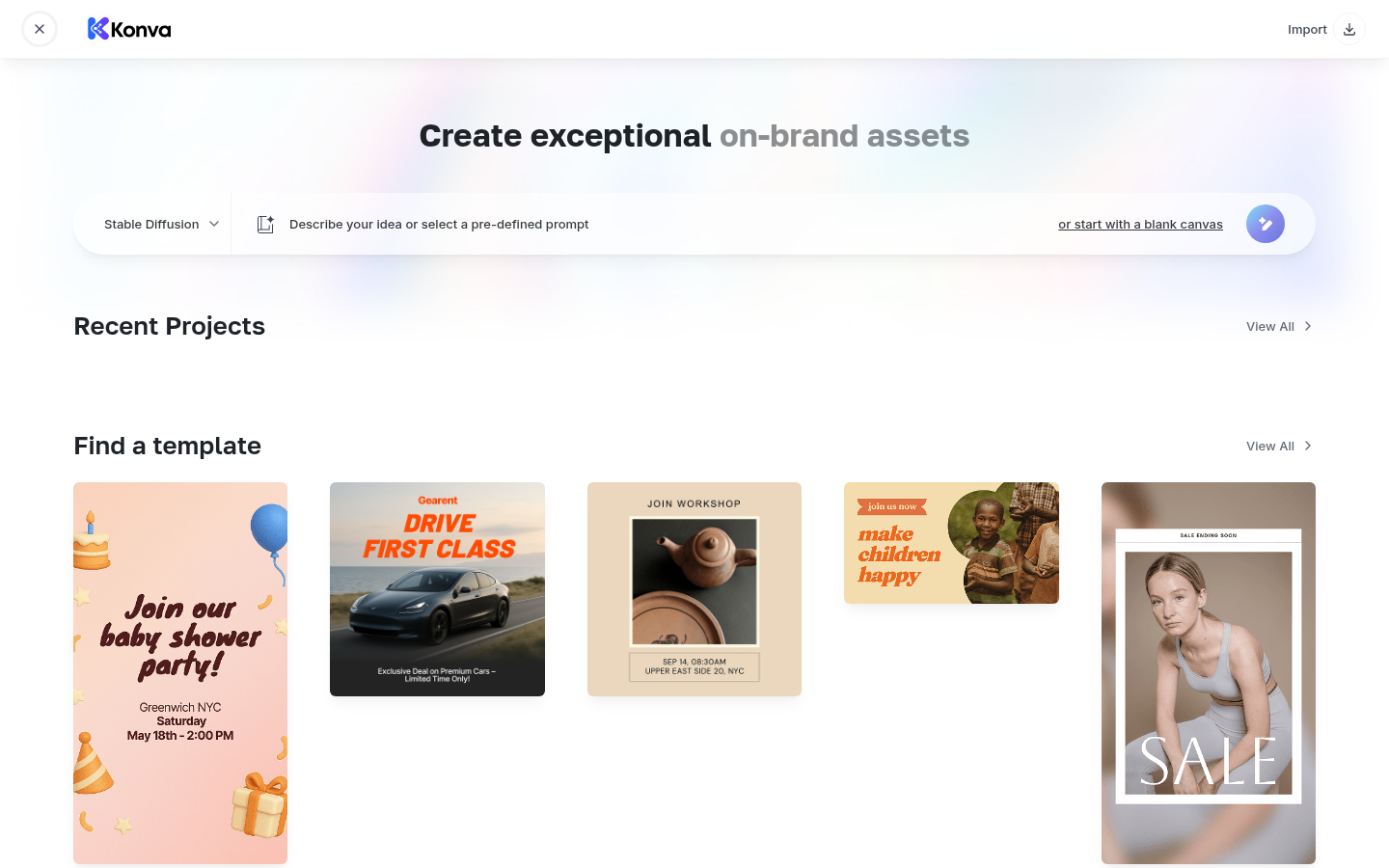
Creative Suite for on-brand assets
Beyond raw generation, the Creative Suite helps users produce finished, on-brand visuals — social posts, ads, flyers and more — starting from a prompt or a ready-made template, then editing on a simple canvas.
- Hundreds of design templates
- Prompt-to-design or blank canvas
- Export ready-to-share assets
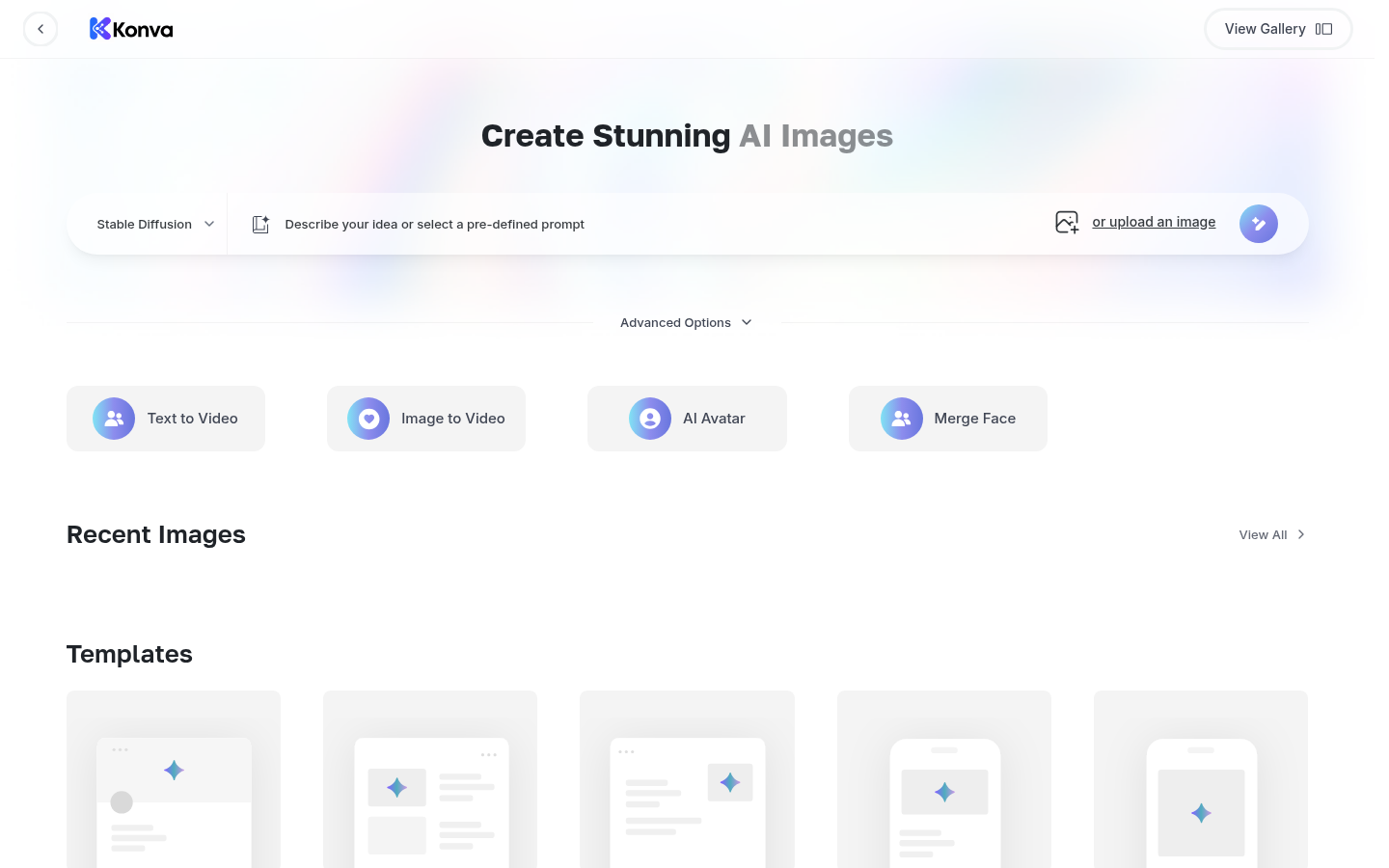
Video, avatars & more
The platform keeps expanding: text-to-video, image-to-video, AI avatars and face-merge sit alongside the core generators, so users can create richer media without leaving the app.
- Text-to-video & image-to-video
- AI avatars & face merge
- New tools added continuously
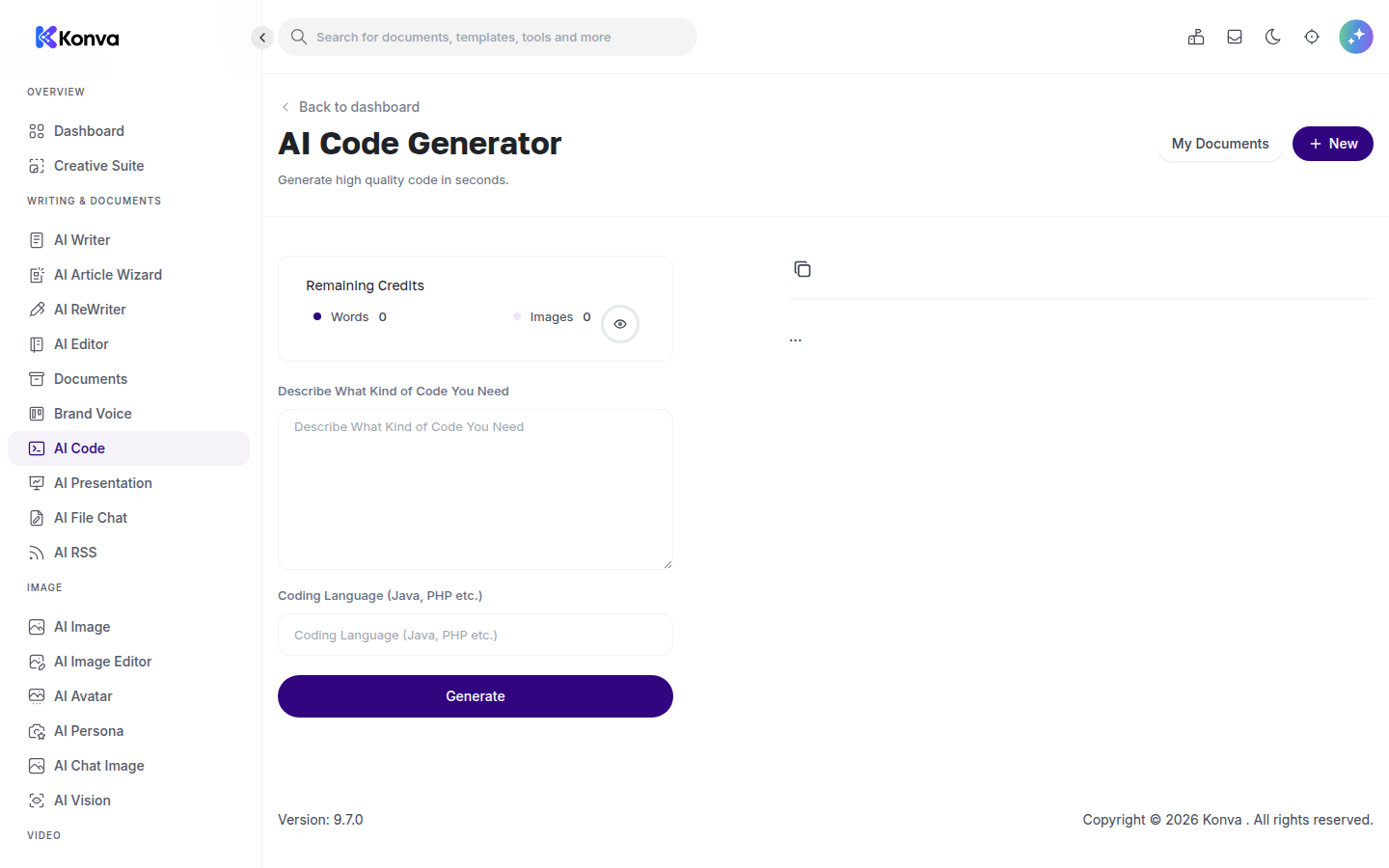
AI Code Generator
Describe what you need in plain language, pick a programming language, and generate working code — or paste existing code to have it explained, fixed or improved. Handy for developers, makers and learners.
- Generate code from a description
- Explain, debug & improve existing code
- Many programming languages
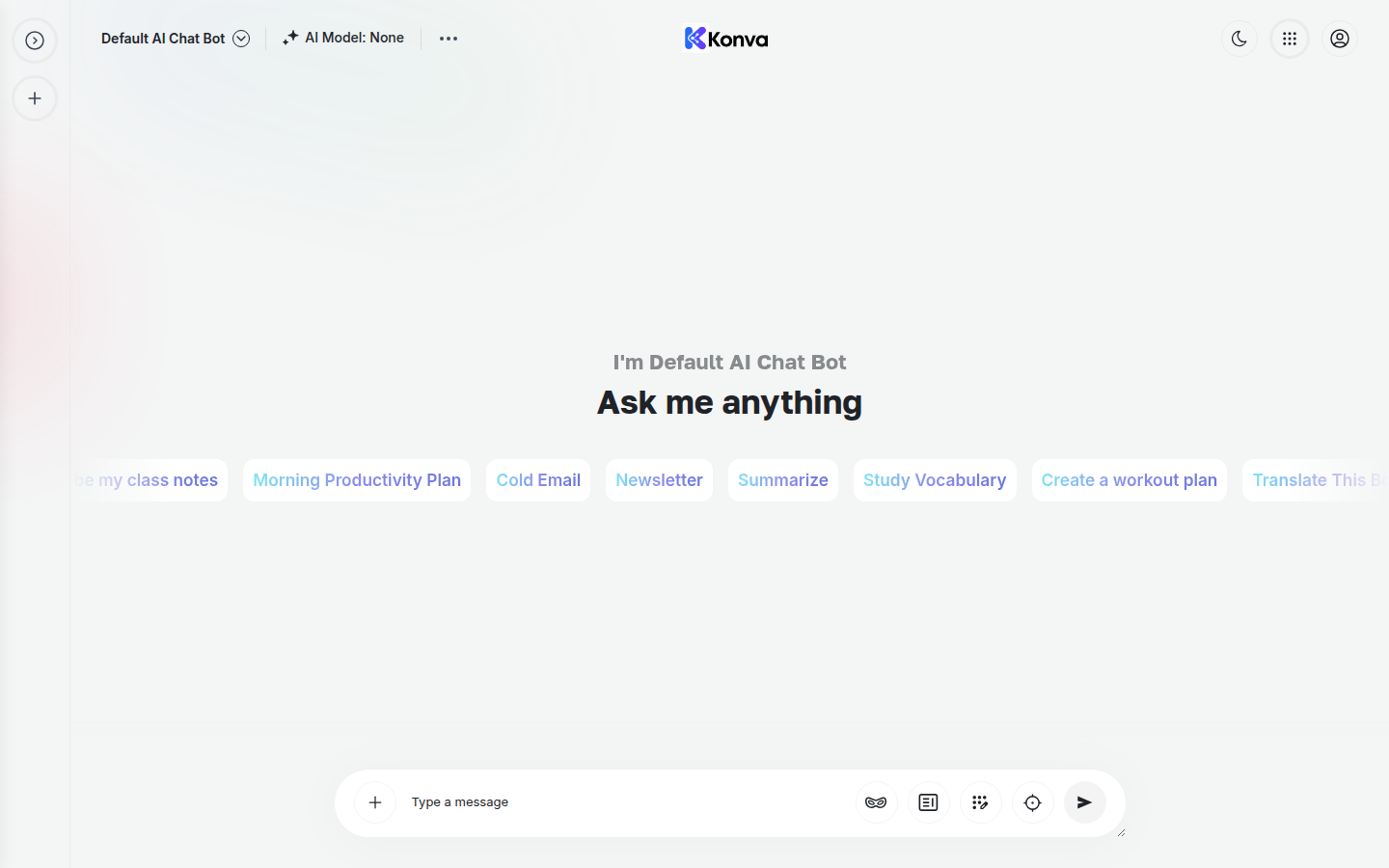
AI Chat Assistant
A full chat assistant for research, drafting and quick answers, with handy starting prompts (cold email, newsletter, summarise, study plans, translation and more). Teams can also build their own branded chatbots on top of the same engine.
- Conversational assistant for any task
- Ready-made prompt starters
- Build your own chatbots
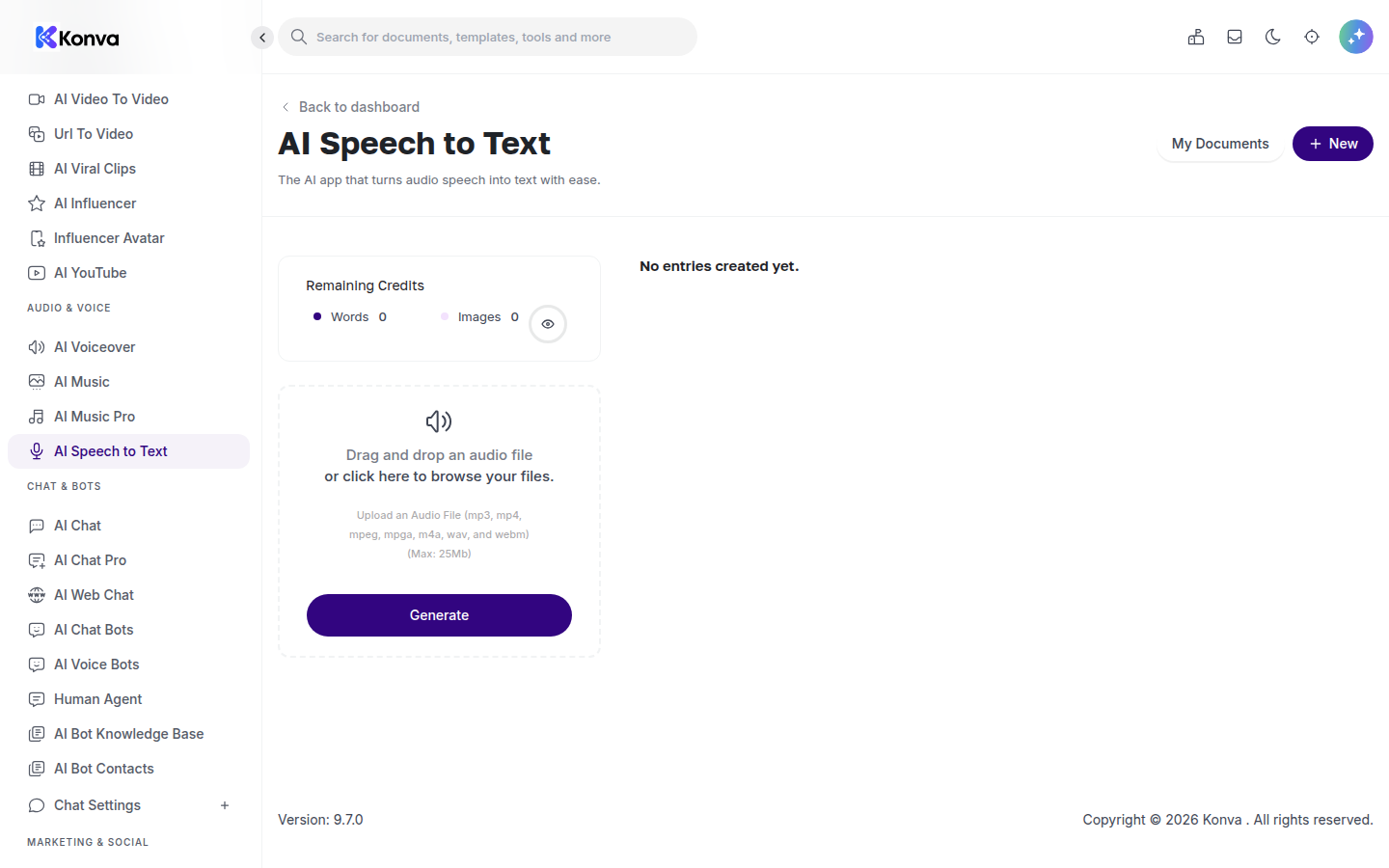
Speech-to-Text & Voice
Drag and drop an audio file to get a clean transcript, or turn text into natural-sounding speech with the voiceover tools. Useful for creators, students and anyone working with audio and video.
- Transcribe mp3, mp4, wav & more
- Natural text-to-speech voiceovers
- Up to 25 MB audio uploads
Current stage of development
Konva is a live, production product (currently version 9.7), available to customers worldwide today at konva.co. Every tool shown above is fully operational right now.
Shipped & live
AI Writer with 65+ templates, AI Image Generator, Creative Suite, AI Code, AI Chat & chatbots, Speech-to-Text and Voiceover, document workspace, teams and subscription billing.
Continuously improving
We regularly add new templates, integrate new AI models, and refine the dashboard and editing experience based on user feedback.
On the roadmap
Expanding the video and avatar studio, deeper team collaboration, and more export and integration options.
Simple, subscription pricing
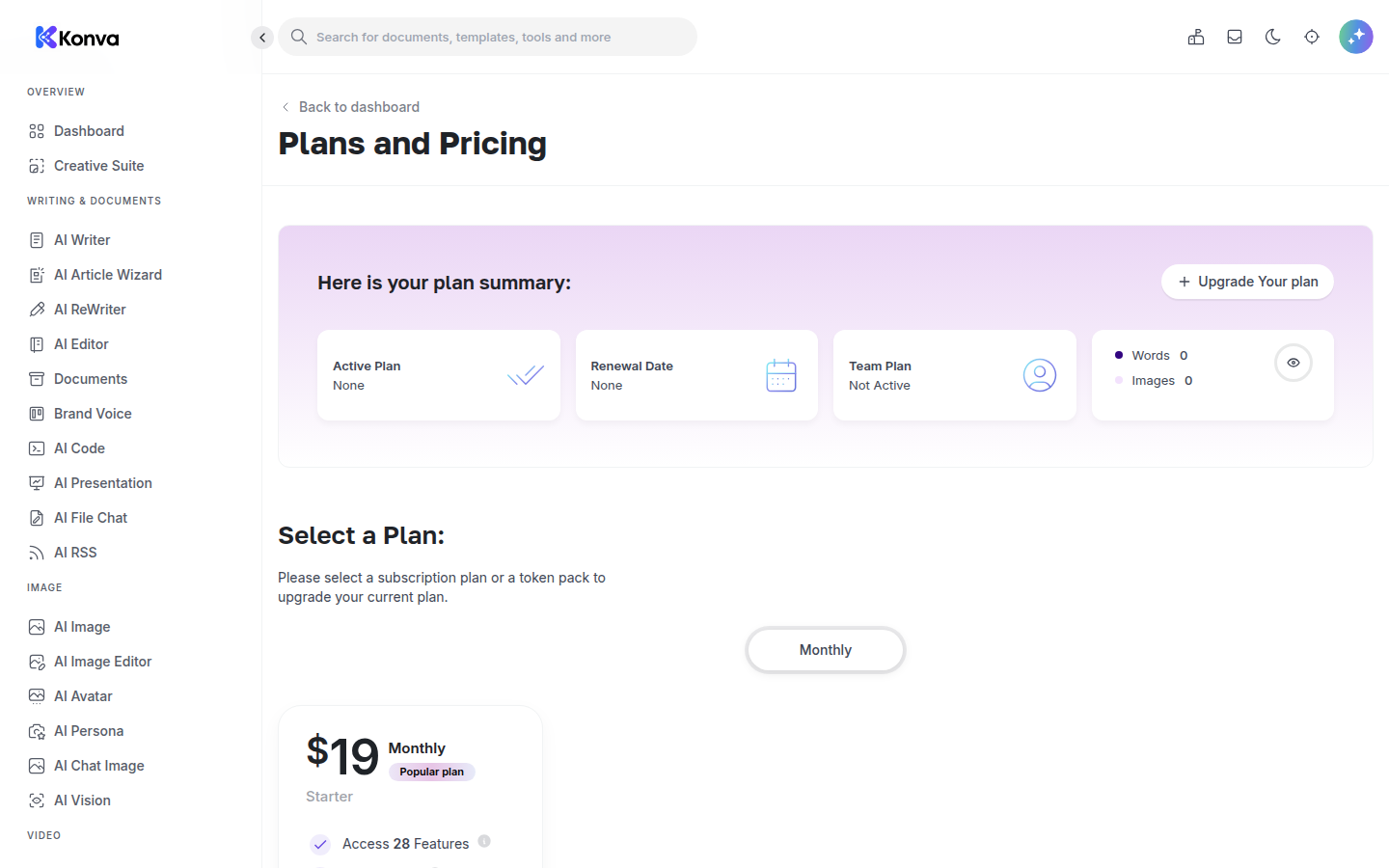
Konva is a subscription SaaS. Plans start at $19/mo (Starter), with higher tiers and credit packs for heavier use and multi-seat teams. Customers manage their plan, credits and team members from inside the app. Full pricing is on the homepage.
Start creating with Konva
Sign up free and explore every tool in your browser — nothing to install.